

Login to MyCommunityIf your Body Corporate has access to MyCommunity, MBCS will have provided Login details via email.
Please refer to those Login details to gain access to best Community portal available to Body Corporates. Contact us if you have any difficulties in loging in. |
Forgot Password? |
MyCommunity Features
|
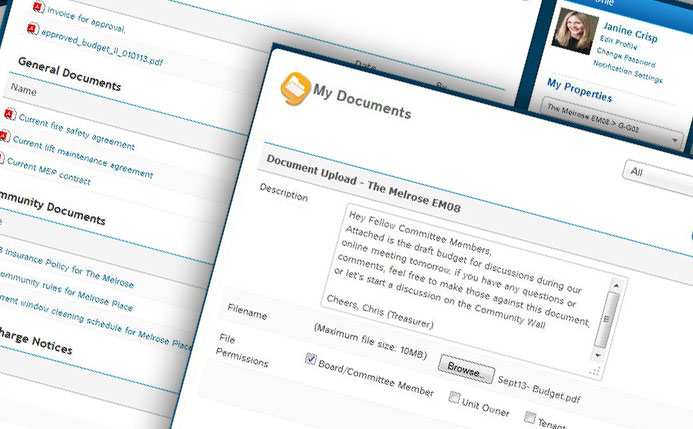
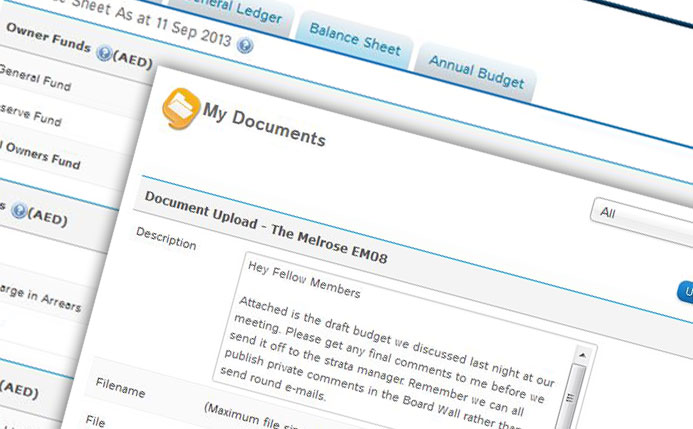
MBCS can easily publish documents from its Management System to the portal. Every time a document is published, the people who are authorised to view it are notified via e-mail of the document inclusion.
Viewing permissions can be placed around all documents on the portal. Committee members can also publish documents such as draft budgets and only make these available for viewing by other committee members and MBCS. |
|
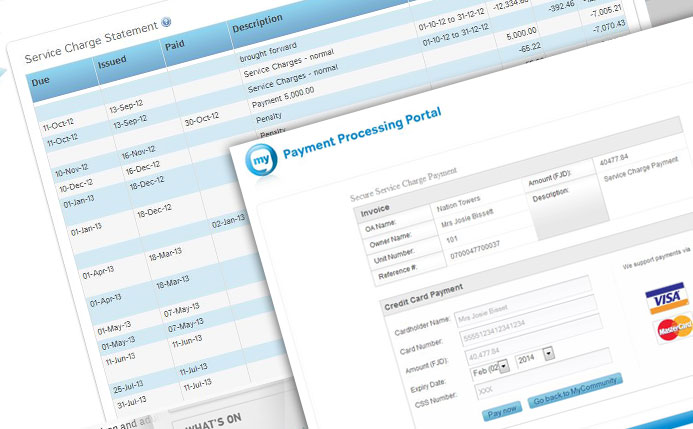
Lot owners can view a live financial accounts relating to their lot(s), and can even pay levies via a secure credit card gateway.
Invoices, receipts and all transactions are automatically published via MBCS’s accounting system. Any enquiries about a transaction can be lodged to MBCS directly from the portal and these enquires can then be tracked by the Lot owner to completion. Committee members can view Scheme-wide financial statements such as the GL and balance sheet. |
|
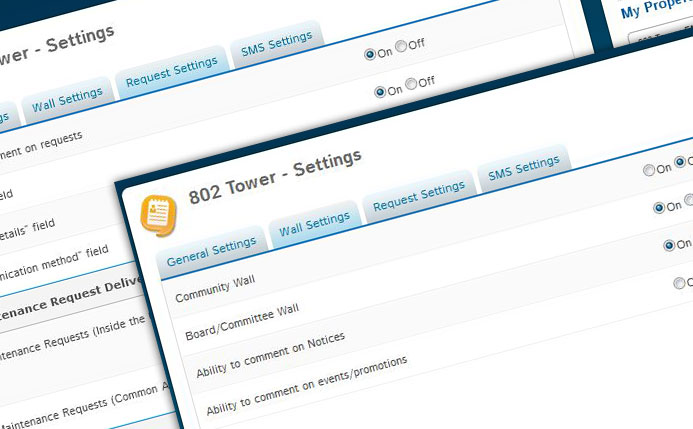
MBCS has access to a number of Admin tools and customisable features that makes the operation and management of the portal so easy.
MBCS can turn features on or off based on the Committee 's instructions. |
|
In addition to MBCS's client e-Services that operate from the MBCS website, owners and tenants can also lodge maintenance and service requests with MBCS through the MyCommunity portal.. MBCS can also configure some requests, such as common area requests, to be directly dispatched to external contractors.
Every time a request is made, a unique ticket number is generated. Both the requester and MBCS automatically receive an e-mail outlining the details of the request. Comments can be made against requests, and every time there is a comment or update, both MBCS and the requester are notified via email. |
|
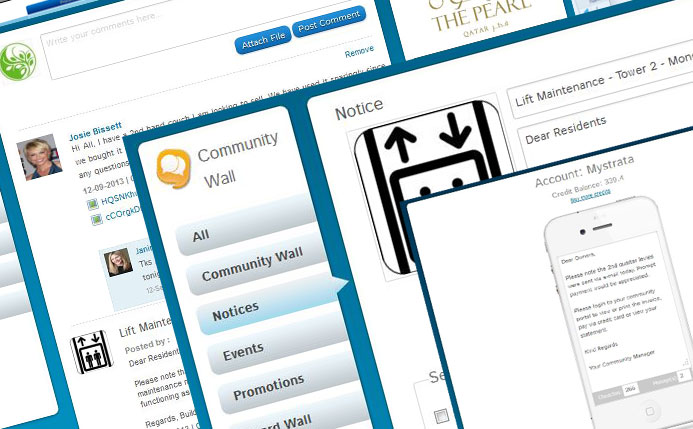
Your Body Corporate will no longer need a message board in its foyer.
The Community Wall is the new social hub for your Body Corporate. Here, MBCS, Committee members, Owners, and tenants can communicate and collaborate in a secure and private forum environment. Committee members can communicate on a Committee Wall reserved just for them. Other powerful Communication Tools include Community Notices, Events and Special Promotions. These communication features are all integrated into the MyCommunity Address Book. |
|
There are currently four roles in the MyCommunity portal system – MBCS, Committee members, owners and tenants.
These roles are automatically managed from the MBCS management software and each role has different permissions in the portal. For example, committee members can see the Body Corporate's online statement of accounts, balance sheet, approved budget and other sensitive financial information. Owners can only see only their own statement of account. Documents can also be shared based on the above permissions. |
|
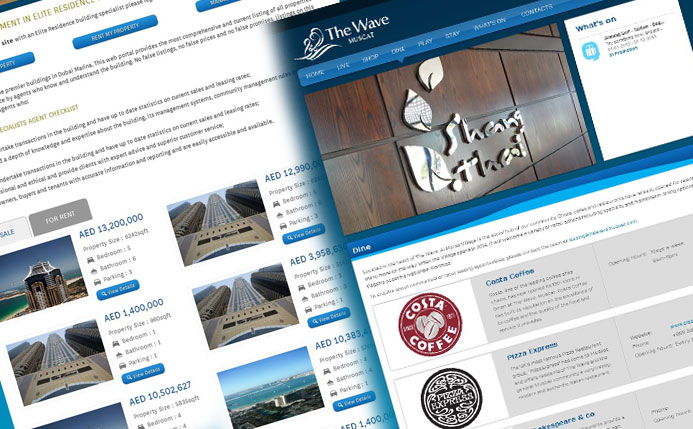
The MyCommunity portal system includes a business directory feature that enables Committee Members and MBCS to add listings of local businesses that service the Body Corporate.
The Directory feature includes an integration to Google Maps that shows the location of the business and its proximity to the Body Corporate, as well as other essential services. |